
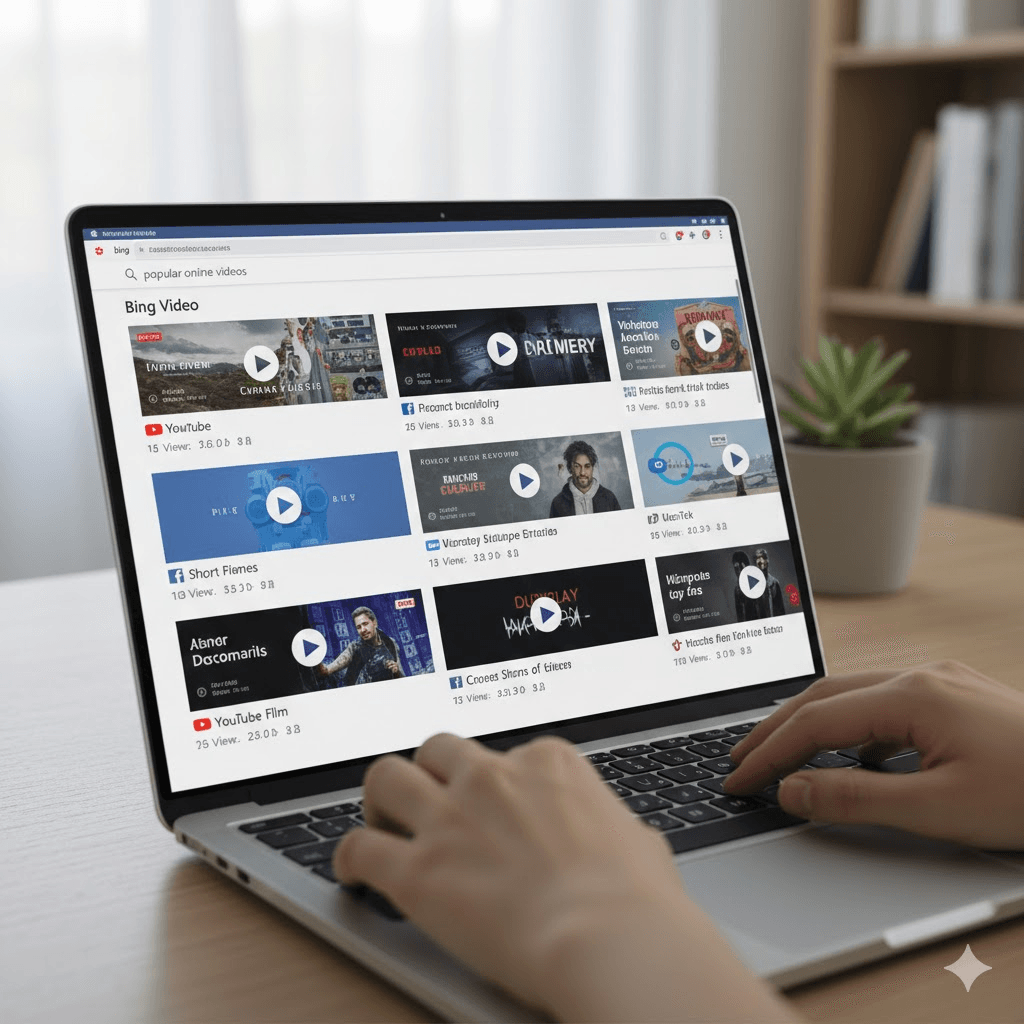
When people think of video search, they often jump straight to YouTube. But Bing Video has quietly become one of the most powerful video-search engines available. It pulls videos from YouTube, Facebook, Vimeo, Dailymotion, TikTok, and across the web — all displayed in a clean, fast, thumbnail-based interface.
If you’ve never used Bing Video before, or you want to get more out of it, this guide gives you everything you need — how it works, its best features, how to search smarter, and how it compares with other platforms.
What Is Bing Video?
Bing Video is a dedicated video-search engine built into Microsoft Bing. Instead of hosting videos, it indexes videos from third-party platforms and websites.
How It Works
- Bing crawls the web for video content
- It aggregates clips from major platforms
- It displays large thumbnails for quick preview
- It allows hover-preview playback without leaving Bing
- It provides advanced filters like duration, resolution, and source
Unlike YouTube, Bing isn’t limited to one platform. You get a mix of results from the entire internet.
Why Bing Video Is Becoming Popular
Users are increasingly switching to Bing Video because:
1. You Can Watch Previews Without Clicking
Hover on a thumbnail → video auto-plays silently.
This helps you avoid click-bait.
2. Clean UI With Powerful Filters
No clutter. Just videos.
3. Cross-Platform Results
You get:
- YouTube videos
- Vimeo
- Facebook Watch
- TikTok clips
- Dailymotion
- News websites
- Blogs with embedded videos
4. Great for Research
Students, researchers, and bloggers love Bing Video because it gives wider results.
Best Features of Bing Video (Full Breakdown)
Hover Preview (Instant Play)
This is what makes Bing Video unique.
Just move your mouse over a thumbnail → 10–15 seconds plays instantly.
Perfect for:
- Finding tutorials
- Checking video quality
- Avoiding clickbait titles
Resolution Filters
You can sort videos by:
- 360p
- 480p
- 720p HD
- 1080p Full HD
Great for finding high-quality content.
Duration Filters
Choose from:
- Short (under 5 minutes)
- Medium (5–20 minutes)
- Long (20+ minutes)
Source Filters
If you want videos from a specific platform:
- YouTube
- Vimeo
- Facebook
- TikTok
- Dailymotion
SafeSearch
You control the type of content shown.
Settings:
- Strict – Family-friendly
- Moderate – Balanced
- Off – Shows everything
Trending Videos
Bing highlights videos trending across the internet — not just YouTube.
This means you get clips from:
- News
- Social media
- Entertainment websites
How to Use Bing Video: Step-by-Step
Go to Bing – Select “Videos”
Visit bing.com → Click Videos in the top menu.
Type Your Keyword
Examples:
- “Bing video ai tools”
- “Technology tutorials”
- “Funny TikTok clips”
- “Football highlights 2025”
Apply Filters
Filter by:
- resolution
- duration
- date
- source
Hover To Preview
Move your mouse → video auto-plays.
Click the Video Source
Bing sends you directly to the hosting platform (YouTube, TikTok, Facebook, etc.).
Common User Questions About Bing Video
Is Bing Video better than YouTube?
YouTube is a hosting platform.
Bing Video is a video search engine.
Bing is better when you need results from across the web — not just one site.
Can you download videos from Bing?
Bing does NOT host videos.
To download, you must use the original platform (YouTube, Vimeo, etc.), depending on their policies.
Is Bing Video safe?
Yes — especially with SafeSearch on.
Bing also blocks spammy or harmful video sites.
Does Bing Video show TikTok and Reels?
Yes, Bing indexes:
- TikTok clips
- Instagram Reels
- Facebook Watch videos
Can I use Bing Video on mobile?
Absolutely.
Bing’s mobile video search is optimized for:
- Android
- iPhone
- Edge browser
Bing Video vs. Google Video: Key Differences
| Feature | Bing Video | Google Video |
| Hover preview | ✔ Yes | ✖ No |
| Cross-platform results | ✔ Yes | ✔ Yes |
| Clean UI | ✔ Yes | Moderate |
| Trending videos | ✔ Yes | Moderate |
| Speed | Fast | Fast |
| Filters | Strong | Basic |
Bing Video is more user-friendly for visually scanning results quickly.
Using Bing Video for Research & Learning
1. Tutorials
Search keywords like:
- “Programming tutorials”
- “Cooking videos step by step”
- “AI tools tutorials”
2. News
Get video updates from:
- BBC
- CNN
- Fox
- DW
- Al Jazeera
3. Study Material
Search:
- “Physics lectures”
- “Math tutorials”
- “UPSC notes video”
- “IELTS Listening practice video”
4. Product Reviews
Great for comparing:
- Smartphones
- Laptops
- Gadgets
- Software
Example search:
“iPhone 16 review bing video”
Using Bing Video for Entertainment
Movies & Clips
While Bing doesn’t host movies, you can search:
- movie trailers
- behind-the-scenes
- interviews
- compilations
Funny Videos
Search:
- funny TikTok videos
- funny animal videos
- funny fail videos
Music Videos
Bing pulls videos from:
- YouTube Music
- Vevo
- Facebook Music pages
Bing Video Search Tips to Get Better Results
1. Use Long-Tail Keywords
Examples:
- “best coding tutorials for beginners video”
- “high quality HD football highlights 2025”
- “tiktok funny clips compilation latest”
2. Add Filters
Use resolution: 1080p
Use duration: 5–20 minutes
Use date: past 24 hours
3. Use “site:” for platform-specific searching
Examples:
- site:youtube.com marketing tutorials
- site:tiktok.com viral trends
4. Use Category Keywords
Example categories:
- “science video”
- “travel vlog video”
- “gaming walkthrough video”
LSI Keywords for ‘Bing Video’ (SEO Boost)
Use these variations naturally throughout your content:
- Bing video search
- Microsoft Bing video
- Bing video downloader
- Bing video filters
- Bing video preview
- Bing images and videos
- Bing search engine video
- watch videos on Bing
- Bing trending videos
- video search engine
- Bing video features
These help Google understand the article context more deeply.
How Microsoft Is Improving Bing Video in 2025
1. AI-Based Video Understanding
Bing uses AI to:
- Understand objects in videos
- Detect scene types
- Identify topics
- Improve recommendations
2. Better Video Indexing
Bing crawls more platforms than before.
3. Daily Trending Categories
You’ll find:
- Entertainment
- Sports
- World news
- AI and tech
- Music releases
4. Integration with Microsoft Edge
Within Edge:
- Hover preview works faster
Benefits of Using Bing Video (Summarized)
✔ Faster video browsing
✔ Cross-platform results
✔ Hover previews
✔ Multiple filter options
✔ Better experience for research
✔ Shows TikTok, Reels, Facebook Watch
✔ Smart AI-powered suggestions
Bing Video for Content Creators
If you’re a creator, Bing Video helps you:
1. Analyze Competitors
Check:
- trending videos
- view patterns
- video thumbnails
- hook strategies
2. Test Your Video Visibility
Search your own:
- brand name
- YouTube channel
- video title
3. Improve Your SEO
Your video may rank higher if:
- title is clear
- thumbnail is strong
- tags are optimized
- topic is trending
Bing Video for Businesses
Businesses can use Bing Video for:
1. Product Analysis
Check review videos without relying on one platform.
2. Market Research
Find:
- customer feedback videos
- influencer content
- competitor launches
3. Ad Creations
Study:
- best ads
- hooks
- user-generated content
Troubleshooting: Bing Video Not Working?
Common fixes:
✔ Clear browser cache
✔ Disable VPN
✔ Turn off ad-blocker
✔ Update your browser
✔ Try Microsoft Edge
✔ Check SafeSearch settings
Future of Bing Video (Predictions for 2026 and Beyond)
- AI video summarization
- Personalized video feeds
- Real-time trending analytics
- Integrated video editing suggestions
- Voice-based video search
- Advanced filtering by emotions, scenes, objects
Microsoft is investing heavily in Bing and Copilot — so Bing Video will only get smarter.
Conclusion:.
Bing Video is one of the most underrated tools on the internet.
You get:
- faster previews
- cleaner results
- cross-platform indexing
- smarter AI suggestions
If you want to save time, avoid clickbait, and discover videos beyond YouTube — Bing Video is the perfect place to start.What’s your experience with Bing Video? Share your thoughts in the comments!
About the Author
